Personalized apps and tools - enabled by AI
With recent advances in AI tools, building highly specific tools and extensions to meet your exact needs is easier than ever. Historically, whenever I used any IDE plugin or some specialized tool, I felt a bit anxious since I never truly learned the full capabilities, or I simply had a very niche requirement that forced me to install several plugins to fully solve my problem.
While I remain cautious about using AI-generated code in production or on client projects (I do a lot of Salesforce consulting), leveraging these tools to build plugins and apps for personal productivity is a different matter altogether. By nature, personal tools are... personal. I really don't mind if functions are repeated or if some code has an “AI code smell” and is a bit hard to understand or poorly organized.
In the end, if I just want a highly personalized to-do app, I'm not concerned if the code isn't production-ready or has eccentricities, as long as it solves a problem I had with other apps.
In my opinion, this is probably the best use for AI in 2025, and it's truly exciting! I can now optimize my workflow with tools, apps, and processes precisely tailored to my way of working. Playing the “I didn't tell you to do that” game with AI agents can also be somewhat fun (to a point).
Ultimately, you'll need to know a bit of programming to really get what you want. For the most complex parts, I had to define low-level algorithms and even write some of the code myself when agents were stubborn (perhaps I need to improve my prompting, but I’m working on it!).
Sharing is caring
Ok, so you built a really cool to-do app, or extension for your favourite IDE. Should you share this with others? Maybe.
At least you should clarify that it's built for you and highly personalized. As long as others are encouraged to fork the code and adapt it for themselves, it’s a fine approach. Who knows, maybe most of the use cases will overlap and someone will get exactly what they need.
Do as I say and as I do
Below is an example of what I was talking about above. I struggled with some apps and tools and in the end I made something that made me happy.
Earlier this year, I switched from VSCode to Neovim. I managed to move away from using SFDX plugins in VSCode by leveraging the CLI (which I highly recommend). There are also a few plugins to give Neovim some Salesforce capabilities (I even built a simple one myself, pre-AI). A few months later, I found I was still using VSCode for just one thing: log analysis.
The Salesforce Log Analyzer in VSCode was quite nice and useful. It analyzed logs and included a few very helpful tabs, such as showing the duration of certain method and SOQL calls, aggregating similar queries, etc. It had many features I didn’t use and too often I would end up reading the logs manually (which I strongly encourage everyone to learn anyway).
You can find the final version of my Salesforce log analyzer here: Apex Log Analyzer
This is how the tool looks when run in neovim. It is not fancy, but it has a lot of features built in it. You can open it by running the :SFLogs command in any buffer that contains Salesforce logs (I usually use it alongside my SF plugin to run anonymous code that returns logs—there's no need for a persisted file).
.png)
It is highly personalized. For example, one issue I often encounter is debugging managed packages using WITH SECURITY ENFORCED SOQL queries, which is why I added the last SOQL statement to my Exceptions tab -> it basically finds the last SOQL before an exception occurs.
Another example is displaying node counts and sorting SOQL rows by execution time, row counts, and more. I also added features like truncating SOQL rows, hiding nodes in the execution tree without SOQL or DML statements, etc.
Final thoughts
This plugin will probably never be "finished". And that is fine. I can just keep adding things to it. One thing that will never change is that it will always remain highly personalized. I’ll review PRs and read Issues, but might not accept them. I want this tool to be for myself.
Along the way, I learned a lot more about using AI—both agents, autocomplete, and manual prompt interactions.
Nearly anything that would have traditionally required research, trying out different tools, and in the end settling for the one with the fewest unnecessary features -> I now just use AI agents to build what I need. It’s a great feeling, because I made it for myself and made it look and feel just how I like it.
And finally, do not trust people saying you can build tools using AI without any knowledge about coding. It just will not work. When you are doing anything marginally complex, AI will fail. It will also fail if you need to use some language/technology that is not widely used (i.e. I tried using it for Autohotkey on Windows, did not go well).
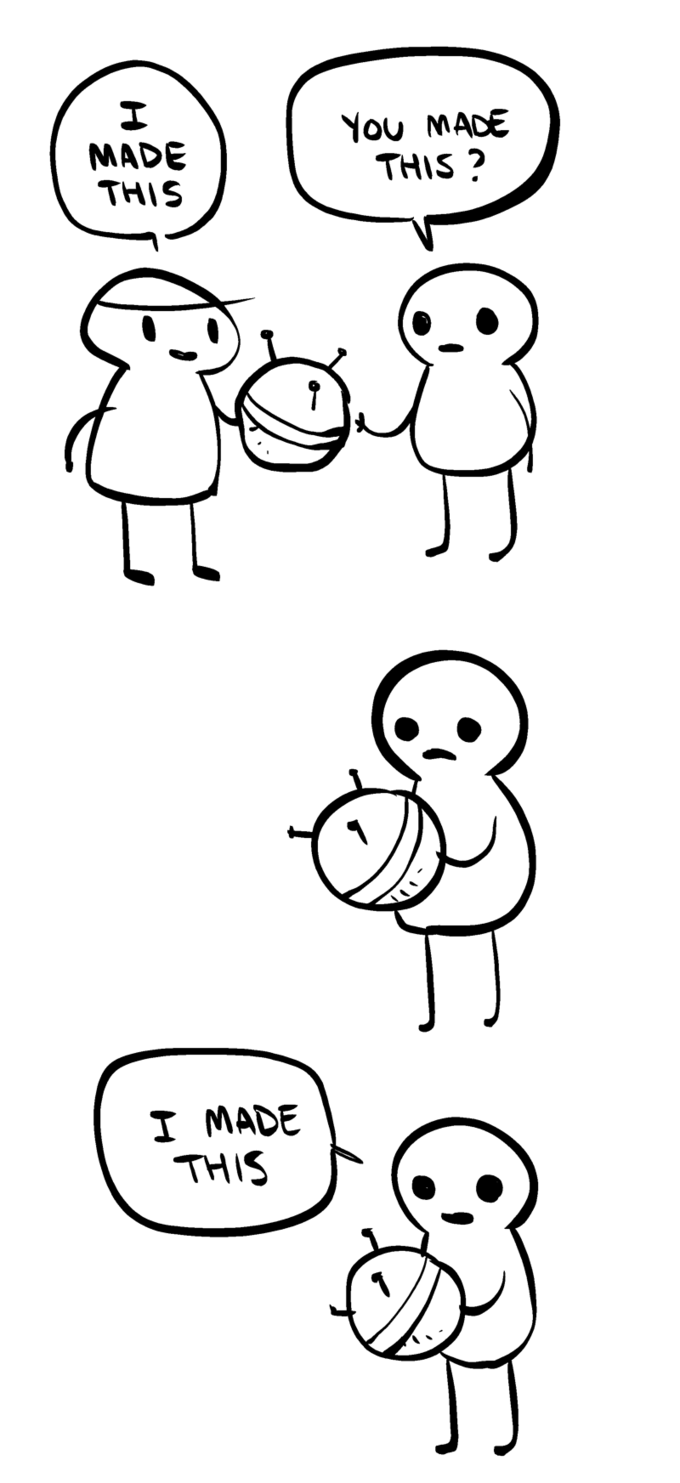
To finish on a lighter note, the following image perfectly encapsulates what I talked about above: you find something that's almost what you need, take it, and make it your own—by tweaking it with AI or remaking it to your liking.